Many MRI, CT, ultrasound, X-ray, PET, and other imaging studies produce DICOM files that must be opened and reviewed by the Mac user. Deciding on a DICOM Viewer for Mac is not merely about the ability to open the file. Compatibility, viewing tools, security, sharing, storage, and compatibility with your clinical, educational, or organizational workflow are also factors to consider.
A proper DICOM viewer for Mac ought to run on macOS or work well in a modern web browser. It should open standard DICOM files, offer basic viewing tools, secure patient information, and enable sharing or cloud access when collaborating.
If you're just looking to view for a quick look, you can use a simple Mac-compatible viewer. In healthcare, imaging centers, educators, or remote workflows, a browser-based zero-footprint DICOM viewer might be more convenient since it minimizes installation hassles and enables authorized users to access studies from compatible devices.
Not all DICOM viewers perform well on macOS. Some tools are designed specifically for Windows, others for Mac, Linux, and/or browser-based access. Consider whether your current macOS version is supported, if the viewer is actively developed and maintained, and if it can process the imaging studies you must review.
When multiple users are involved, compatibility is more important. A radiologist can operate from a diagnostic workstation, a referring doctor might need to use a MacBook, and another doctor might require remote access. In such cases, using a Web-based viewer will remove device-related obstacles, since the processes are not confined to a single local computer.
The choice of a DICOM viewer is dependent on the user and the function. A student reviewing sample cases may need only basic tools, while a clinic or imaging center may need secure storage, user permissions, reporting, and sharing.
Useful features include:
• Support Of Ct, Mri, Ultrasound, X-ray, Pet, And Other Dicom Studies.
• Smooth Scrolling Of Image Slices And Series.
• The Zoom/panning, Window Level, Measurement, And Annotation Tools.
• An Advanced Review Is Required Utilizing Mpr, Mip, Or 3d Tools.
• Ensure That Patient Imaging Information Is Protected And Secure.
• Sharing, Anonymization, Or Teaching Tools As Applicable.
The viewer should be easy to use, but at the same time match the seriousness of the workflow. Medical images often contain sensitive patient information, so security and access control should not be treated as optional in professional environments.
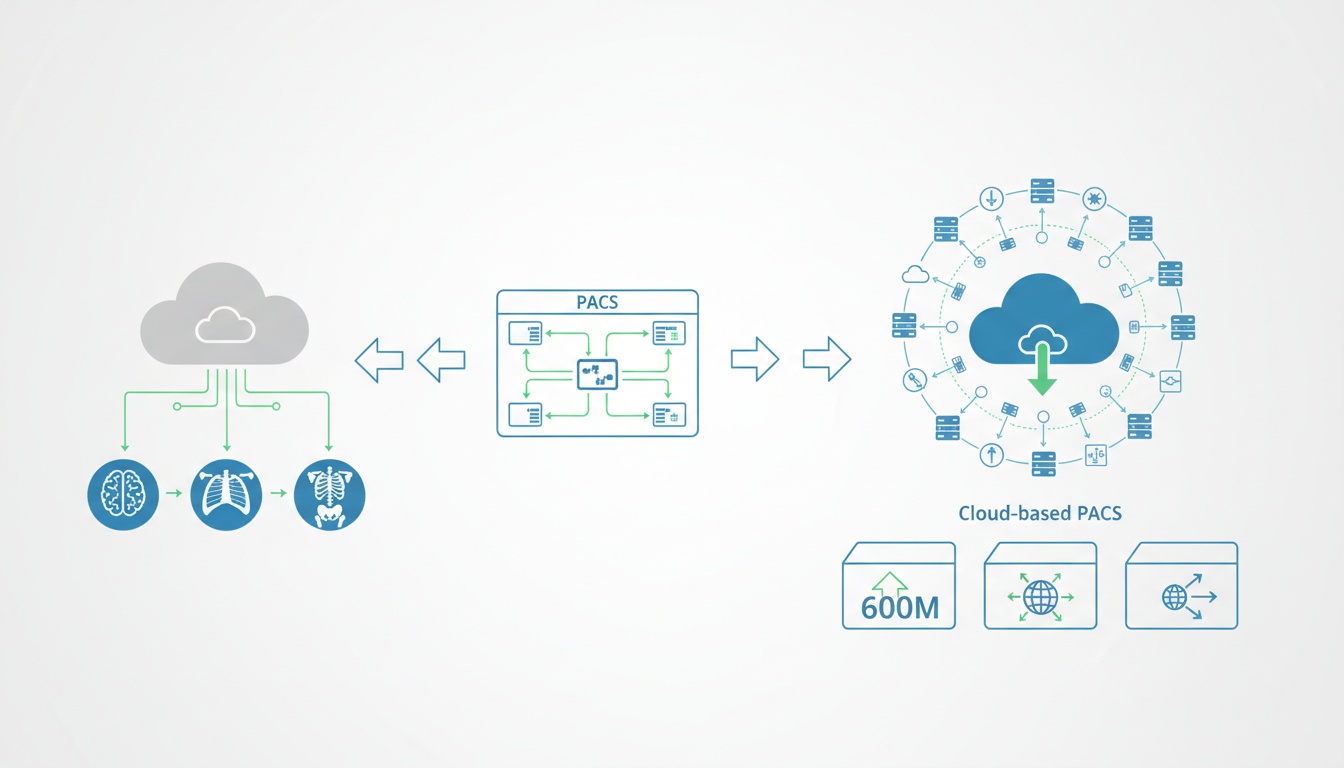
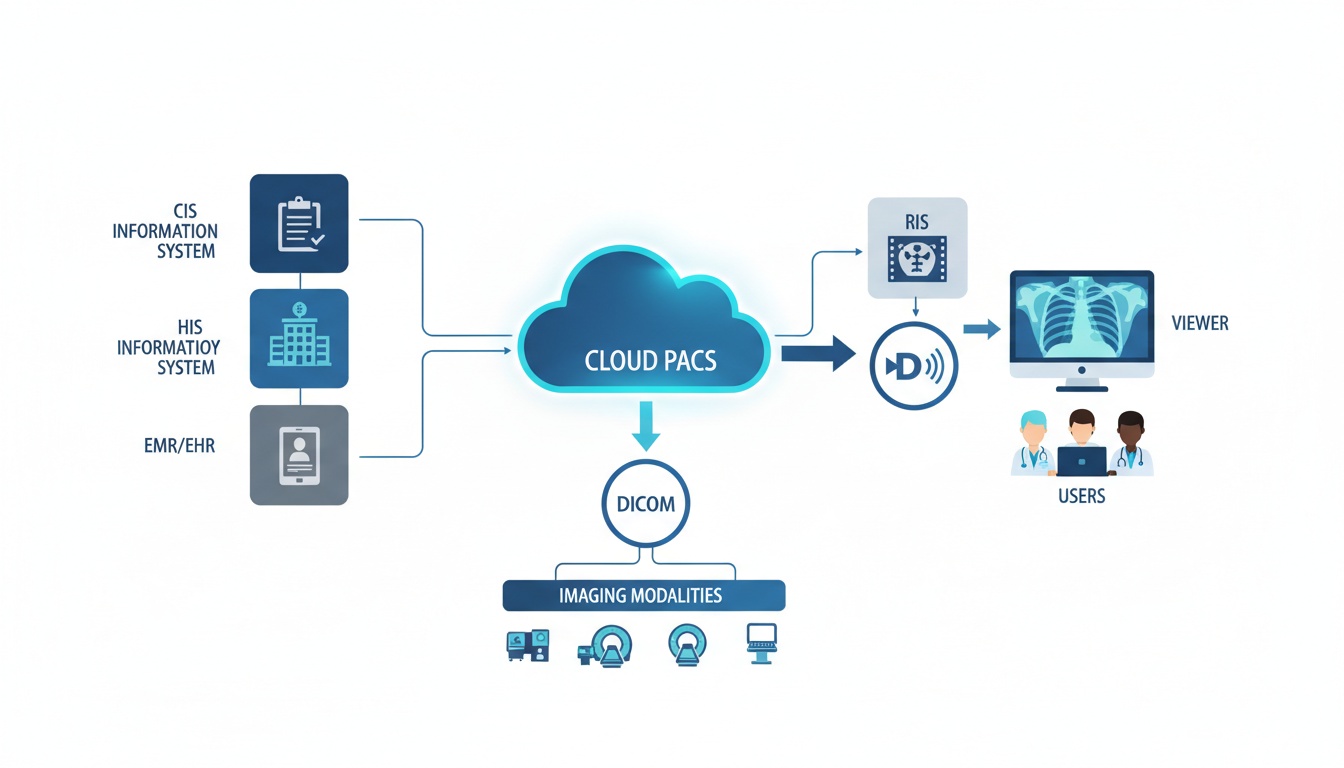
There are three common choices for Macs: locally installed software, a Web-based viewer, and a cloud PACS platform. All of these will be helpful in certain situations.
| Option | Best For | What to Consider |
| Local Mac DICOM viewer | Individual review, offline access, simple file viewing | May depend on macOS compatibility, local storage, and manual file handling |
| Web-based DICOM viewer | Remote access, quick viewing, multi-device workflows | Requires internet access and secure login controls |
| Cloud PACS | Clinics, imaging centers, teaching, reporting, and collaboration | Needs proper setup, permissions, and workflow planning |
Use for a local viewer is appropriate if a single viewer is attempting to open a study on a single device. When a user does not need to install software to use a viewer, a Web-based one can be much more convenient. A cloud PACS might be the better choice if imaging studies are required to be stored, managed, accessed, reported, and shared within a team.
Free viewers may be helpful for reviewing images, education, or occasional use. When looking for entry-level things, a list of free DICOM viewers will reveal what entry-level tools are available.
But free software may not have all the features required for a professional imaging workflow. It might not be supported, have fewer security measures, no cloud storage, or fewer collaboration options. Cost is not the only factor to consider for healthcare organizations. It should be determined by the intended viewer, who will have access to it, and by any privacy and workflow considerations.
If you only need to review a simple document, a free viewer might suffice. A paid or cloud-based solution may be more appropriate if multiple users need to access the same studies securely, if images need to be shared with external physicians, or if a study requires storage and reporting for extended periods.
There are several types of users for whom a DICOM viewer for Mac can be used.
Physicians and specialists should be able to easily open an imaging study, compare it with other imaging studies, and review the findings without technical hassles. Browser-based access may be helpful if they need to view pictures from elsewhere.
In imaging centers and clinics, the viewer may be involved in a larger workflow, such as uploading, storage, viewing, reporting, and controlled sharing. In this situation, a desktop viewer might not suffice.
DICOM viewing can be used for case review, instruction, radiology training, or imaging-based learning in universities, instructors, and students. A solution with a medical image teaching focus can aid in organizing cases and support educational usage.
Secure access is all-important for patients, referring doctors, and external reviewers alike. Medical image sharing can help ensure controlled access to imaging studies, rather than relying on CDs, DVDs, or large email attachments.
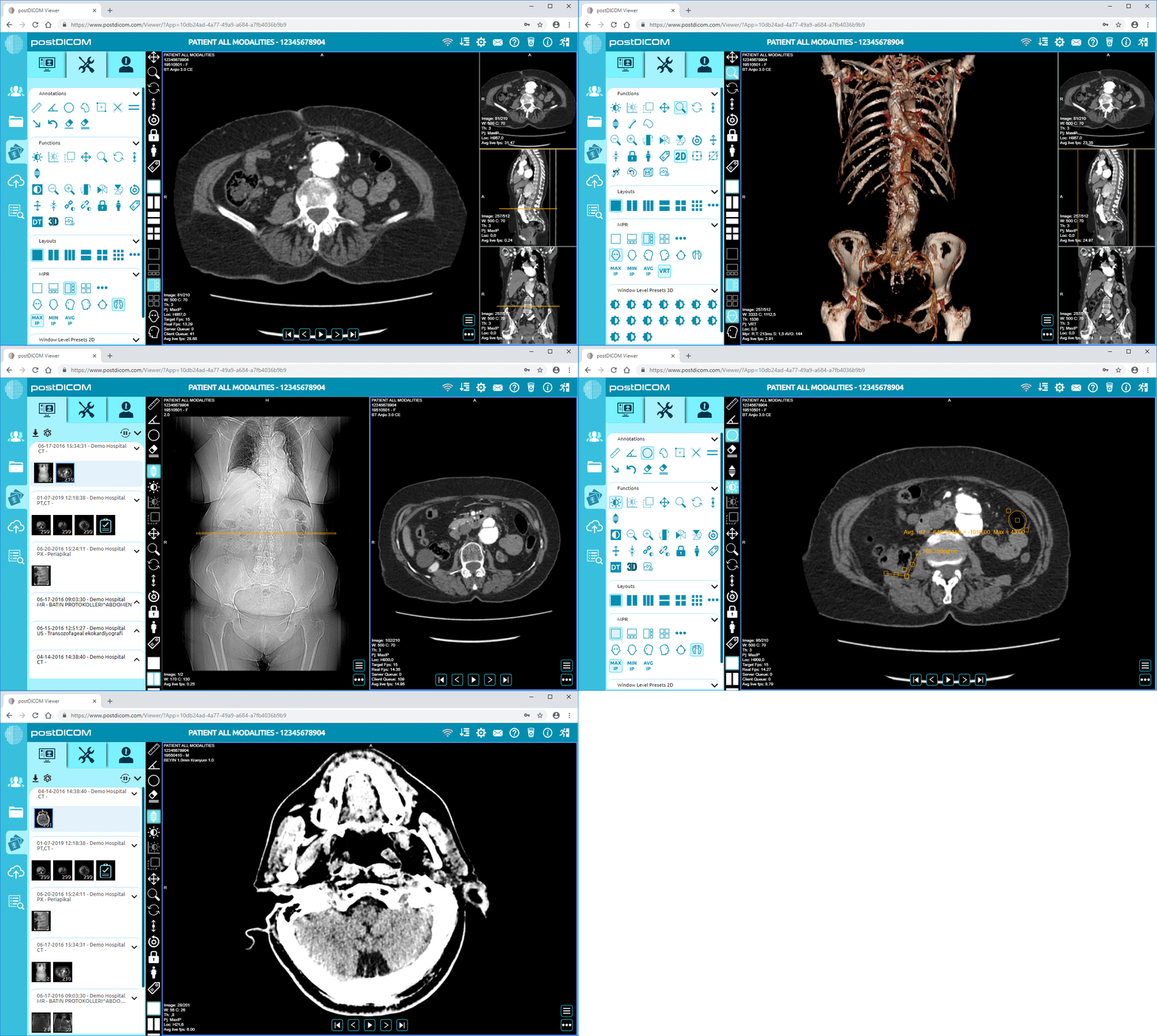
PostDICOM is developed for those who require more than a simple Mac-only viewer. It does not require any desktop software to access DICOM studies because it is browser-based.
This can alleviate the typical workflow issues of software installation difficulties, access to the workstation, lost CDs, and struggles in getting out a study to other reviewers. It can also enable healthcare teams to have secure storage, viewing, reporting, and collaboration across locations.
The primary advantage of Mac is its flexibility. Images can be uploaded, viewed, shared, and managed across a cloud-based workflow, rather than across one local machine.
Yes. DICOM files can be displayed on a Mac using DICOM software for Mac or a DICOM viewer for the web. It will depend on you if you want to see its very simple way, advanced tools, secure sharing, or have to access it from the cloud.
The optimal DICOM viewer for Mac is dependent upon your workflow. A simple viewer might be required for a student or occasional user, or a healthcare team might require secure storage, reporting, user permissions, and image sharing.
When users require remote access, easier sharing, and less installation hassle, a web-based DICOM viewer might be more beneficial. There is also the possibility that installed software may be useful when not connected to the Internet, or for single use only. The preferred one is determined by access needs, security requirements, and workflow.
There are some free DICOM viewers that can be helpful for quick review, but users should be wary of patient information. When selecting a healthcare viewer, it is important that it aligns with the organization's privacy, security, and compliance standards.
Yes. The right platform can be used to share DICOM images from a Mac. CDs, DVDs, unsecured file transfers, and email attachments are typically not the best options for secure image sharing in professional applications.
When deciding on a DICOM viewer for Mac, don't just consider the ability to open files. Take into account macOS and browser compatibility, image-viewing tools, security, sharing, storage, and your users' needs.
A basic Mac DICOM viewer might suffice if it is only a temporary solution. However, if you are collaborating with other users, accessing images remotely, sharing them securely, teaching, reporting, and storing images for long periods of time, a web-based viewer or cloud PACS system might be more appropriate for your workflow.
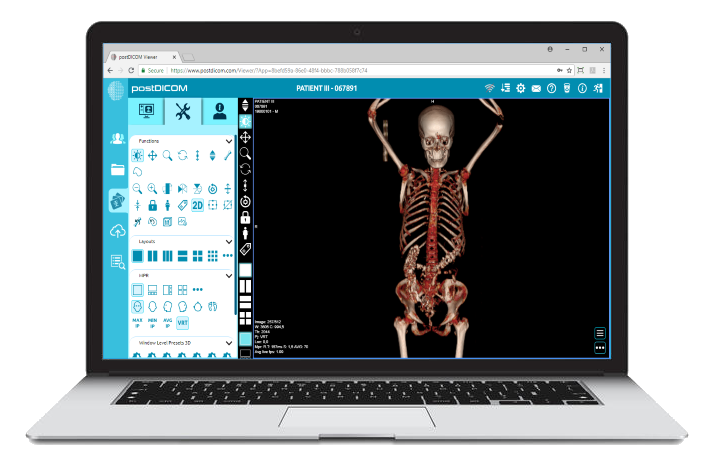
|
Cloud PACS and Online DICOM ViewerUpload DICOM images and clinical documents to PostDICOM servers. Store, view, collaborate, and share your medical imaging files. |